

As someone working in a fast-paced corporate environment, managing emails efficiently is critical. NeatMail has made handling my personal inbox much more organized and stress-free.I'd definitely recommend it to anyone looking to simplify their email workflow.
Get to inbox zero faster
NeatMail organizes priority emails and drafts replies in Gmail and Outlook, so you can clear your inbox in less time.
Free 7-day trial • No credit card required
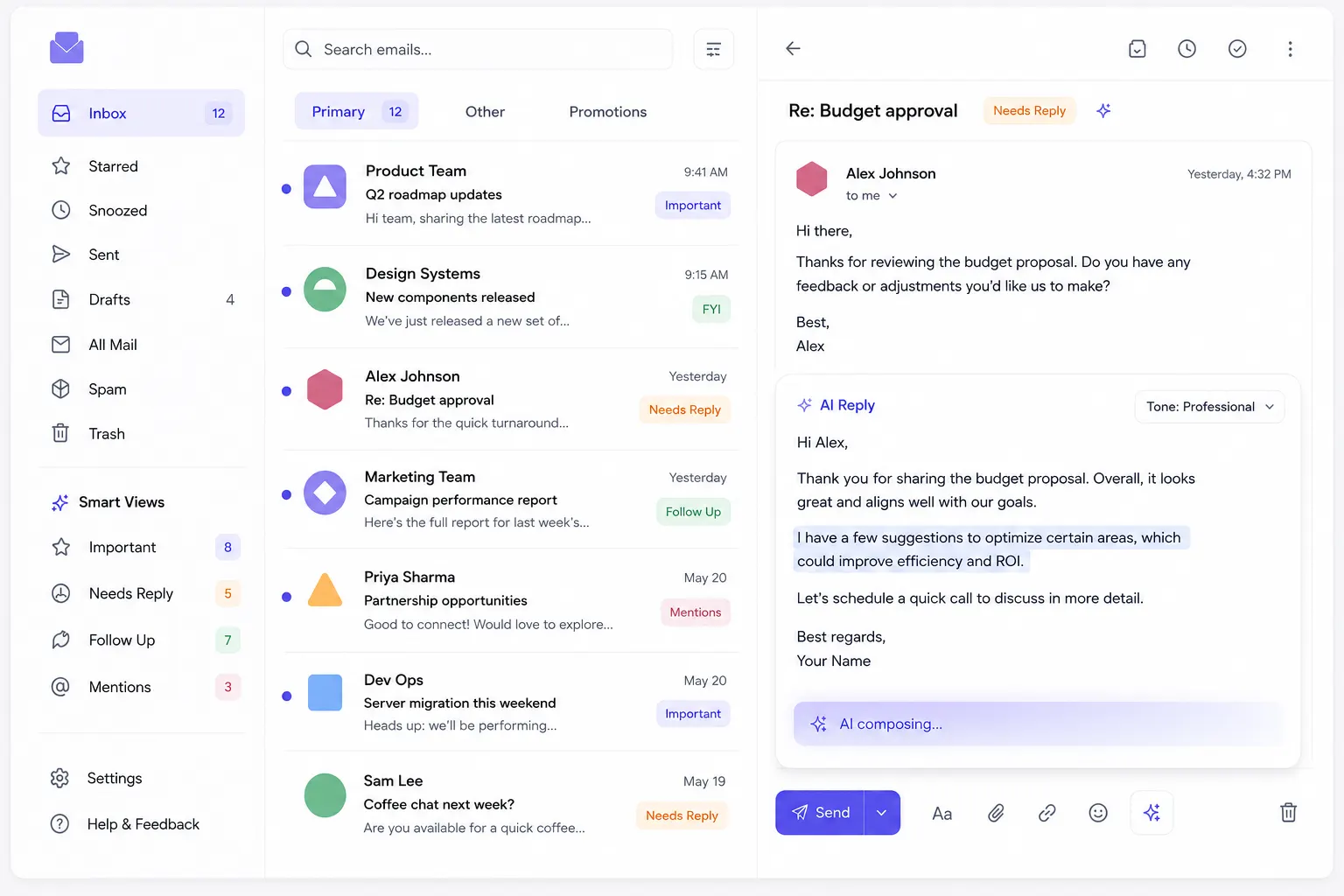
Inbox organized on autopilot.
Never lose track of what matters.
Stop spending time sorting emails manually. NeatMail's AI automatically labels your messages so the most important ones are always easy to find.
Unsubscribe from unwanted senders.
Keep your inbox clean and organized.
Cut through newsletter clutter and promotional noise in one click. NeatMail helps you remove distractions so important emails stay front and center.
Turn emails into todos instantly.
Never forget a follow-up again.
NeatMail automatically converts important emails into actionable tasks. Track follow-ups, set priorities, and check things off — all synced with your workflow.
Auto-labeling in action
Bulk unsubscribe flow
Email-to-todo conversion
Inbox organized on autopilot.
Never lose track of what matters.
Stop spending time sorting emails manually. NeatMail's AI automatically labels your messages so the most important ones are always easy to find.
Auto-labeling in action
Unsubscribe from unwanted senders.
Keep your inbox clean and organized.
Cut through newsletter clutter and promotional noise in one click. NeatMail helps you remove distractions so important emails stay front and center.
Bulk unsubscribe flow
Turn emails into todos instantly.
Never forget a follow-up again.
NeatMail automatically converts important emails into actionable tasks. Track follow-ups, set priorities, and check things off — all synced with your workflow.
Email-to-todo conversion
The only inbox tool that actually does the work.
Auto-archive, clean storage, track ghosts, and draft with context. Set it once, forget it forever.
Automation
Auto-archive expired mail
Newsletters and resolved threads disappear on a schedule you set. Your inbox stays current without lifting a finger.
DE
This week in interface designArchived
Design Weekly · Mar 12
PR
Yesterday's top launchesArchived
Product Hunt · Mar 10
SA
Re: Q3 planning doc
Sarah Adams · 2h ago
CA
Standup in 15 minutes
Calendar · Now
Follow-ups
See who ghosted you
Unanswered emails surface with one-click.
JD
John Doe3d
Contract review
MK
Maria K.1d
Invoice #4021
Storage
Purge large attachments
Find heavy emails and reclaim inbox space in seconds.
Inbox1.8 GB
pitch-deck.pdf
24 MBassets.zip
82 MBContext
Drafts enriched by your tools
Slack threads, HubSpot deals, and calendar context automatically pulled into every reply. No more tab switching.
AI DraftContext aware
Hi Sarah,
#general — You discussed the Q3 timeline with the team yesterday.
I wanted to follow up on the Q3 timeline we discussed. Looking at the calendar, Tuesday 2pm works for everyone.
3 sources connected
Open inbox, find replies already written
NeatMail reads your past conversations and checks your calendar, then drafts context-aware replies in your tone. Just review and hit send.
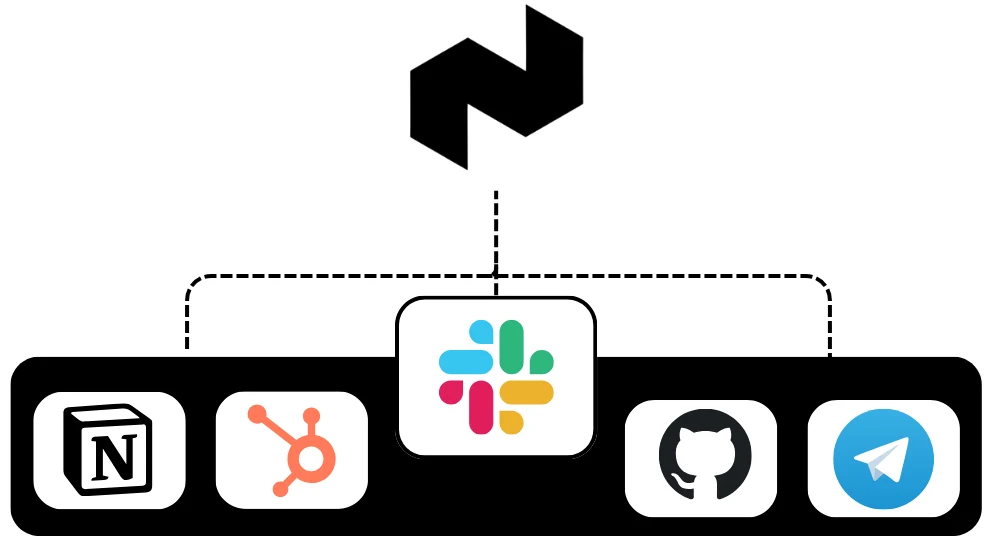
Works with GitHub, Notion, Slack & HubSpot to understand your business
How it works
Three steps to an inbox that works for you
01
Step 01
Plug in your email in seconds
Connect your Gmail or Outlook account with a single click. We don't store your data—everything securely syncs straight from your provider.
Secure OAuth Connection

02
Step 02
Your inbox, finally organised
AI automatically categorizes incoming emails into labels like Action Needed or Pending Response, so your primary view is purely high-signal.
Reassign a label once and Neatmail never makes that mistake again — it quietly learns your preferences in the background.
Custom Learning AIGets smarter with every correction
To ReplyReceiptsUrgentTeamCalendar
Weekly Newsletter (Action required)
NewslettersTo Reply
Got it — we'll remember that.
SA
Sarah Adams9:41 AM
Feedback on the new designs
03
Step 03
Replies that sound like you
Every email needing a reply gets a pre-drafted response matched to your tone. Just review, quickly edit if needed, and hit send.
Context-Aware Drafting
To: Sarah AdamsAI Drafted
Re: Feedback on the new designs
Hi Sarah,
Thanks for getting these over to me so quickly. I really love the direction with the new typography system.
Let's touch base tomorrow morning to finalize the color palette.
Best,
Alex
See NeatMail in Action
Watch a 2-minute walkthrough
Infrastructure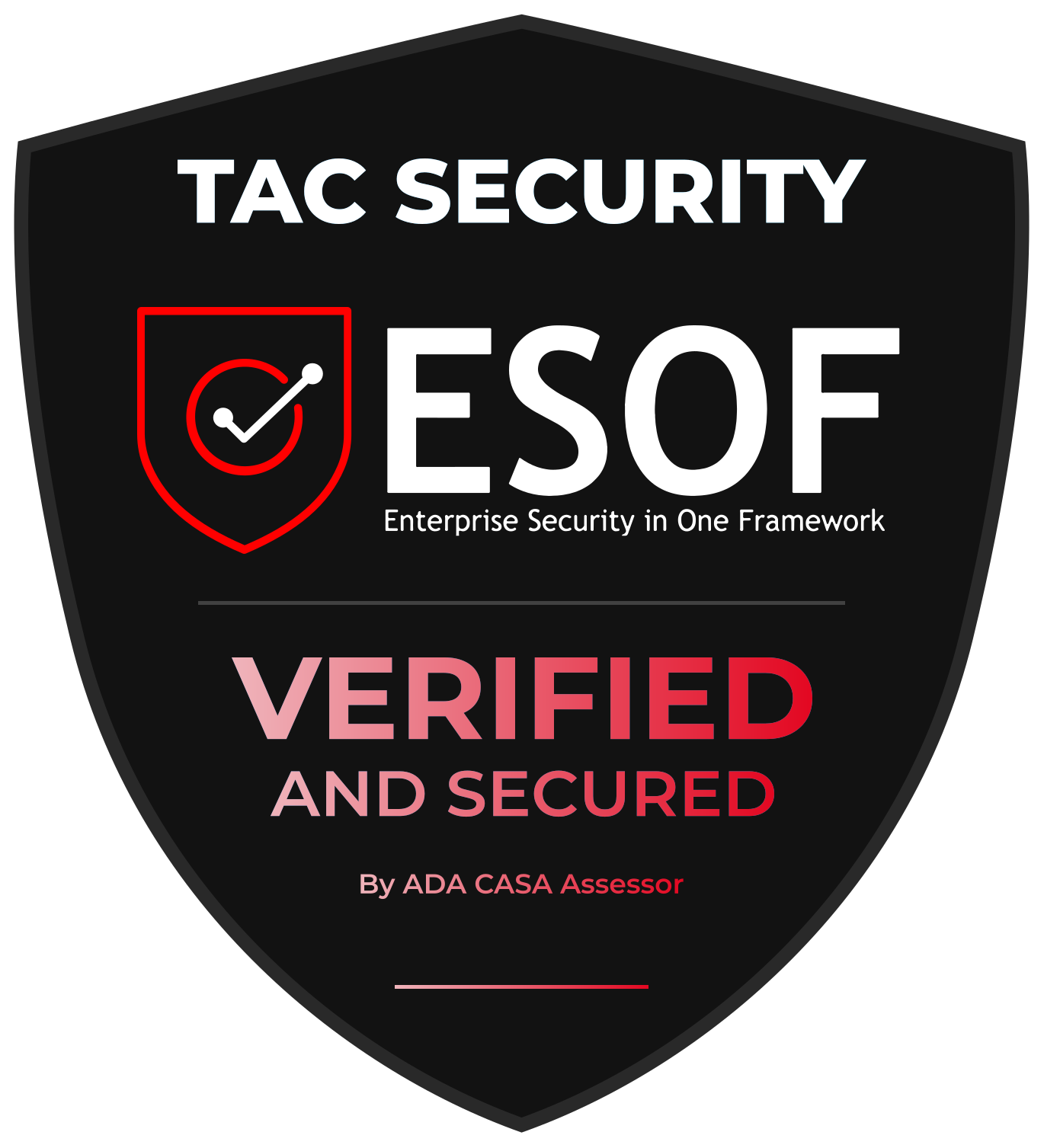
Security You Can Verify
CASA Tier 2 certified and powered by best-in-class infrastructure, so your data stays safe and your payments stay secure.
Testimonials
Trusted by teams who live in their inbox
Real users using NeatMail daily to clear priority emails faster.
I've been using NeatMail for a few days and it's already made a big difference. My inbox was full of newsletters, and the auto-labeling feature cleaned things up instantly. The inbox cleanup tools saved me a lot of time. I'd recommend it to anyone who uses email regularly.

As a founder, I deal with a high volume of customer emails daily. NeatMail has completely streamlined how I manage inquiries and bookings. It's intuitive, fast, and has significantly reduced the time I spend sorting emails. Highly recommended for anyone running a service-based business.
Balancing academics with a fast-paced internship means my inbox gets overwhelming quickly. NeatMail has made it much easier to stay organized and keep track of important conversations. The clean interface and smart organization save me time every day. It's been really helpful for managing both personal and professional emails efficiently.

Truly love using Neatmail. It helps us organize our emails by labeling them into appropriate categories, saving us the time and effort of going through each email to determine what's important and what isn't.
Founder & CEO
Team Baytix (baytix.net)
Open SourceThe best part?
 View on PeerlistLoved by the community on Peerlist
The best part?
It's open source
NeatMail is completely open source. Explore the code, contribute, or self-host it yourself.
View on PeerlistLoved by the community on PeerlistPlans & Pricing
Keep your inbox under control.
Start with a 7-day free trial of Max. No credit card required. Cancel anytime.
Still wondering if NeatMail is the right choice for you?
Check out what your favorite LLM has to say about us, then make an informed decision.
Frequently Asked
Questions
Everything you need to know about NeatMail and how it can transform your inbox.
What is NeatMail and who is it for?
NeatMail is an AI email assistant that organizes priority emails and drafts replies in Gmail and Outlook. It auto-labels incoming messages with custom categories, generates context-aware AI draft replies, auto-archives expired mail, and tracks follow-ups. It is built for professionals, freelancers, and solopreneurs who receive 50-200 emails daily and want to reach inbox zero without spending hours triaging. NeatMail works inside your existing Gmail or Outlook client — no new interface to learn. It is open source and self-hostable with a free forever plan and paid plans starting at $9/month.
How does the email labeling work?
NeatMail's AI automatically categorizes every incoming email into custom labels such as Action Needed, Pending Response, Receipts, and Newsletters in real time. Labels sync directly to your Gmail or Outlook account instantly. You can create entirely custom label systems matching your workflow. Reassign a label once and NeatMail learns your preference for similar emails going forward — the system improves continuously in the background.
What are auto-draft responses?
NeatMail's AI-powered system reads your past conversations for context, checks your calendar before suggesting meeting times, and drafts responses in your tone. It integrates with Slack threads, calendar events, and GitHub activity to enrich replies with relevant context. You review and edit each draft before sending. Pro plan includes 20 AI drafts per month, Max plan includes unlimited drafts.
Is my email data secure?
Yes. NeatMail uses industry-standard encryption and OAuth authentication. We never store your email content — only metadata is retained. You can revoke access anytime from your Google or Microsoft account settings. NeatMail is open source under the NeatMail Open Source License, so anyone can audit the code. Self-hosting means your email data never leaves your infrastructure.
How do I get started with NeatMail?
Sign up at neatmail.app and connect your Gmail or Outlook account with a single click via OAuth. The setup wizard guides you through creating custom labels, and you will start seeing organized emails in minutes. Try Max free for 7 days with no credit card required. Self-hosted setup requires a GitHub clone, Google Cloud credentials, an OpenAI API key, PostgreSQL, and Redis.
How much does NeatMail cost?
NeatMail offers a Free plan at $0/month with 100 emails tracked and 5 AI drafts. Pro is $9/month (monthly) or $7.50/month (annual) with unlimited tracking and 20 AI drafts. Max is $15/month (monthly) or $12.50/month (annual) with unlimited AI drafts, archive rules, and priority support. Self-hosting is free under the NeatMail Open Source License. All paid plans include a 7-day free trial of Max with no credit card required.
How is NeatMail different from Superhuman?
NeatMail costs 63-77% less than Superhuman (free to $15/month vs $30-40/month). NeatMail works inside your existing Gmail or Outlook client instead of replacing it, so there is no learning curve. NeatMail focuses on AI automation that organizes and replies for you, while Superhuman focuses on keyboard speed for manual triage. NeatMail is open source and self-hostable. Superhuman has stronger team collaboration features and enterprise compliance certifications.
Is NeatMail truly open source?
Yes. NeatMail is source-available under the NeatMail Open Source License at github.com/Lakshay1509/NeatMail. Self-hosting is permitted for personal and commercial use. Reselling hosted versions and creating competing SaaS businesses are restricted. The code is fully auditable, so users can verify the privacy architecture and security measures.
Stop triaging email.
Start finishing your day with inbox zero.
Try NeatMail free for 7 days. Set up in minutes, keep control of your inbox, and only pay if it saves you time at $9/month.
Free 7-day trial • No credit card required